

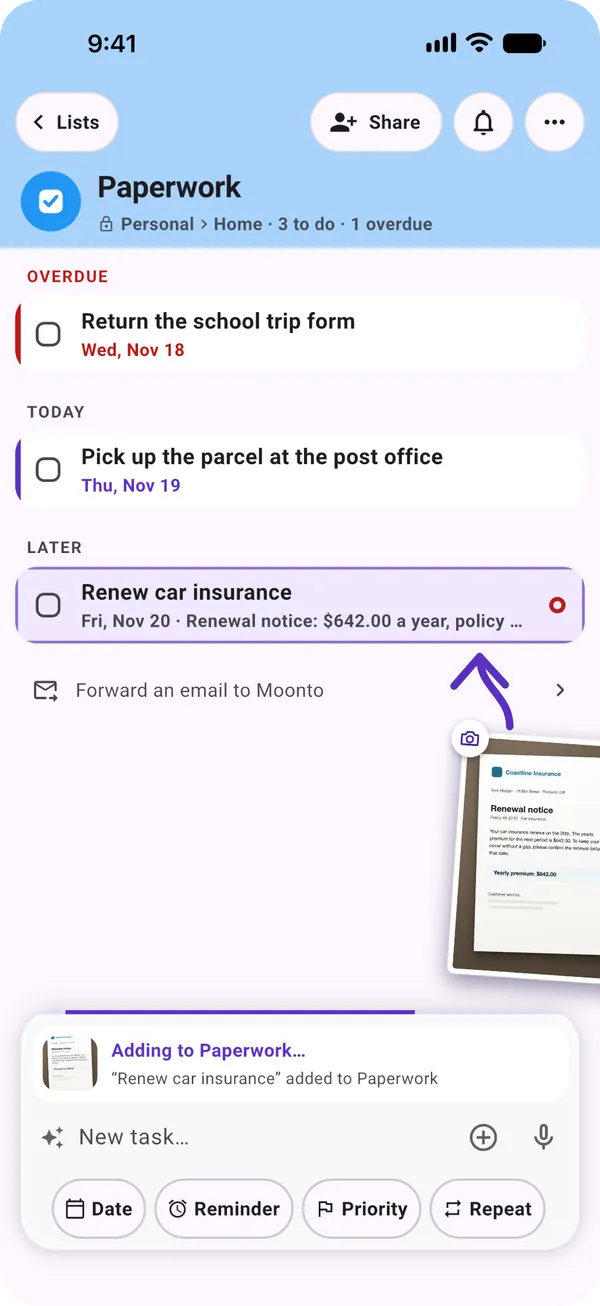
Send it in
Type it, snap the letter, say it or forward the email. Siri, Shortcuts and widgets work too.
How things reach Moonto, where they land, how it follows up, and how it all stays yours.
What Moonto does
Type it, snap the letter, say it or forward the email. Siri, Shortcuts and widgets work too.
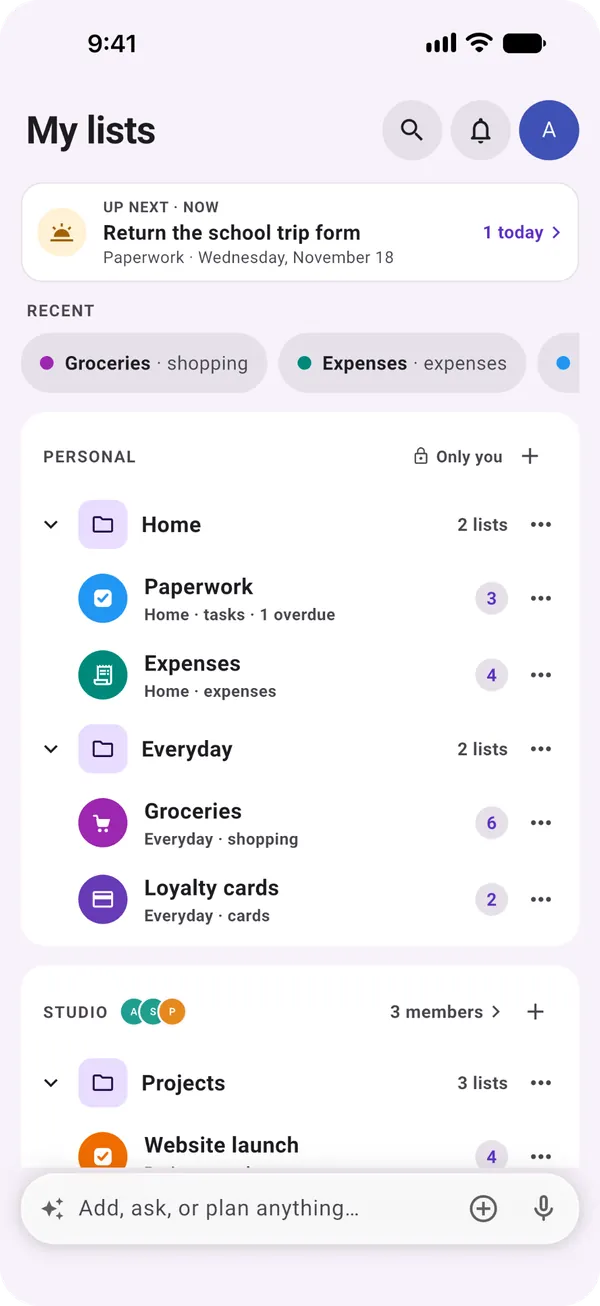
Each thing goes to the list it belongs to, with the right fields: a date, an amount, a person. Find it again later, and share a list with the people it concerns.
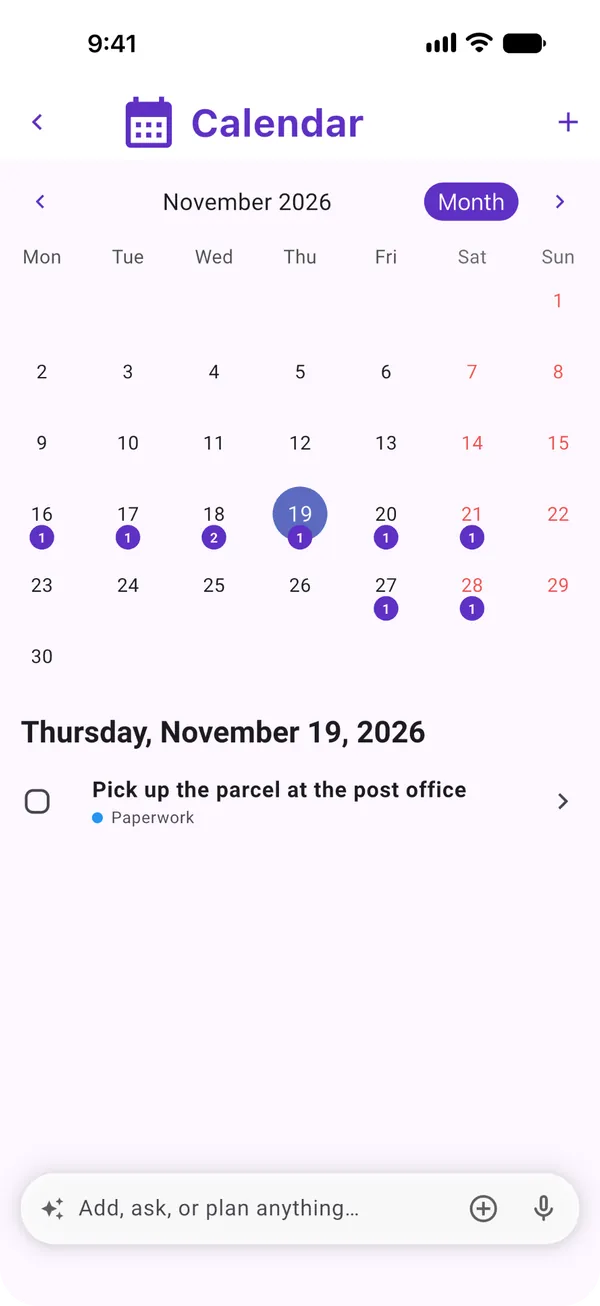
A reminder at the right moment. Up next and the calendar show what's coming, overdue first, and you can ask Moonto what's left.
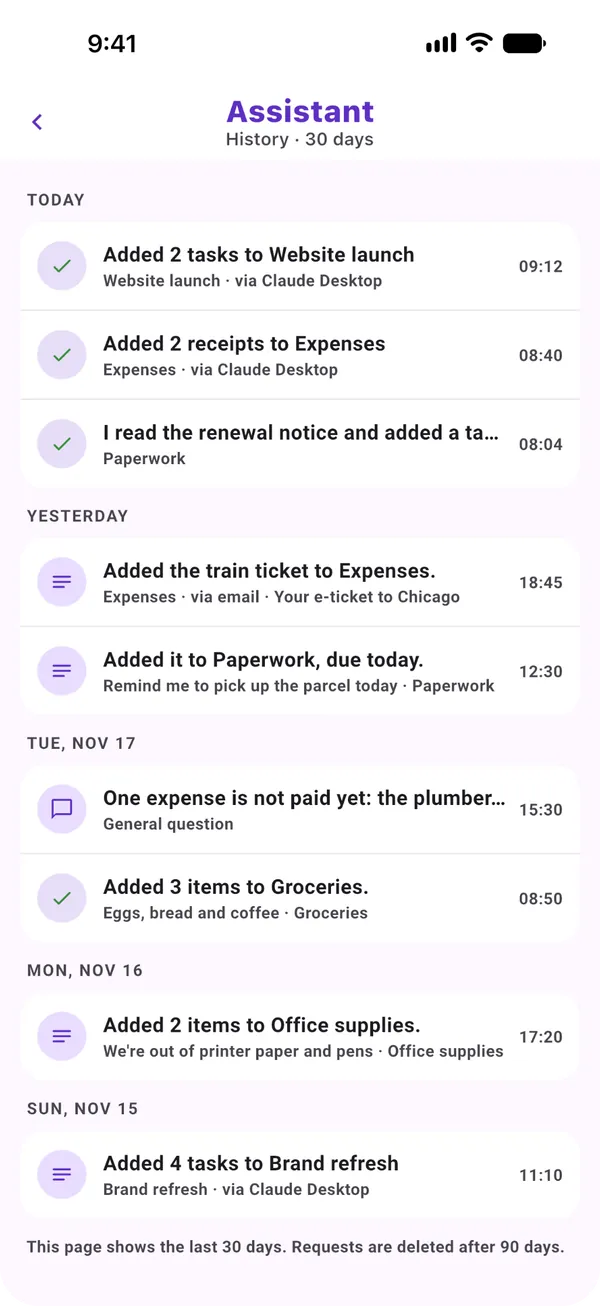
On your phone and on the web, the same lists everywhere, and they connect to the tools you use. No ads, and your lists are never used to train AI.
Your data
You pay for the app, not with your data.
What you store is never used to train AI models.
Your lists live in a European data centre.
Export everything, or delete everything, at any time.
On iPhone, Android and the web, in 8 languages. Free to start.
Everyone you share with uses it free.