

Send it in
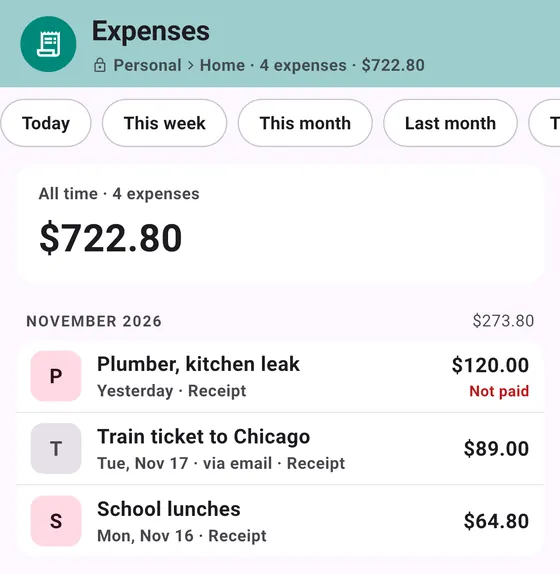
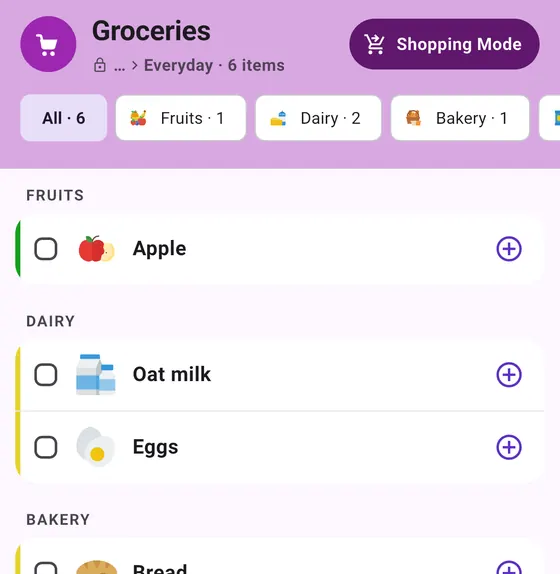
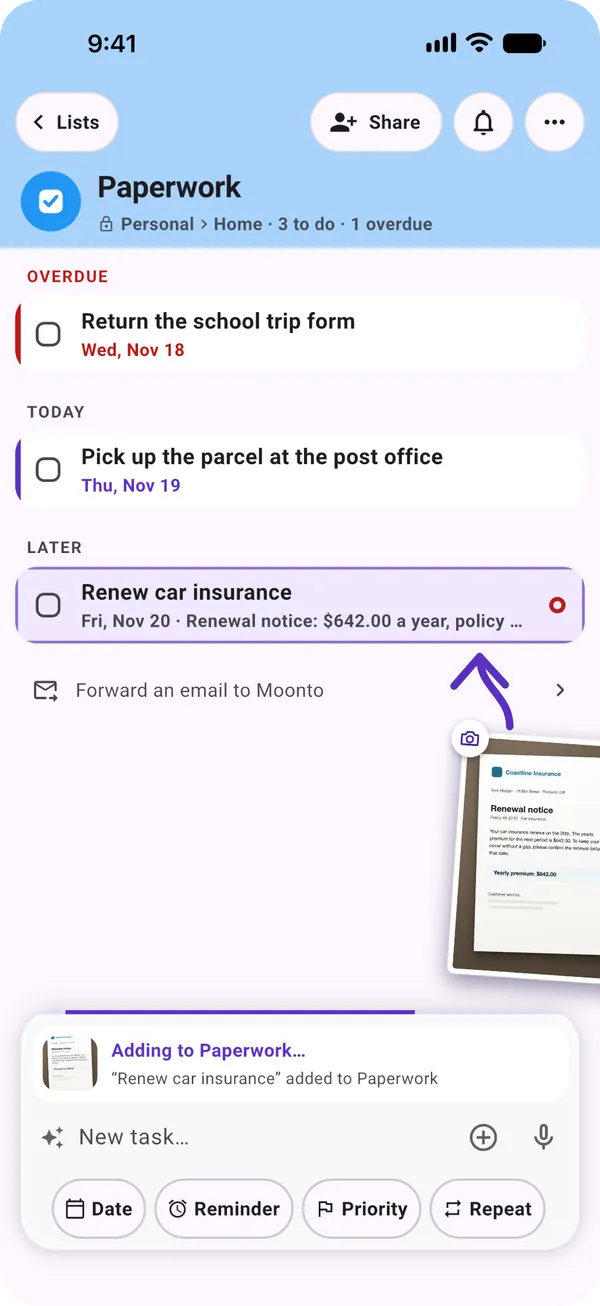
Type it, snap the letter, say it or forward the email. Siri, Shortcuts and widgets work too.
One memory for everything you have to handle. Snap the letter, forward the email or just say it: Moonto puts it in the right list, with its date, and reminds you until it's done.
Free to start. Everyone you share with uses it free.
What Moonto does
Type it, snap the letter, say it or forward the email. Siri, Shortcuts and widgets work too.
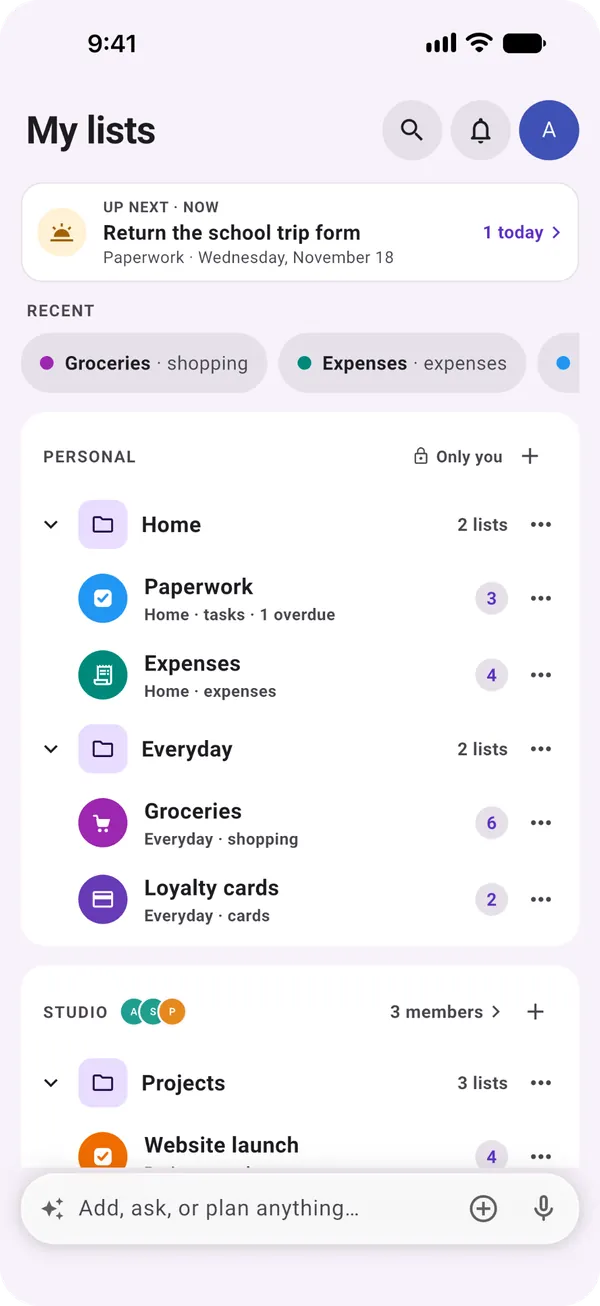
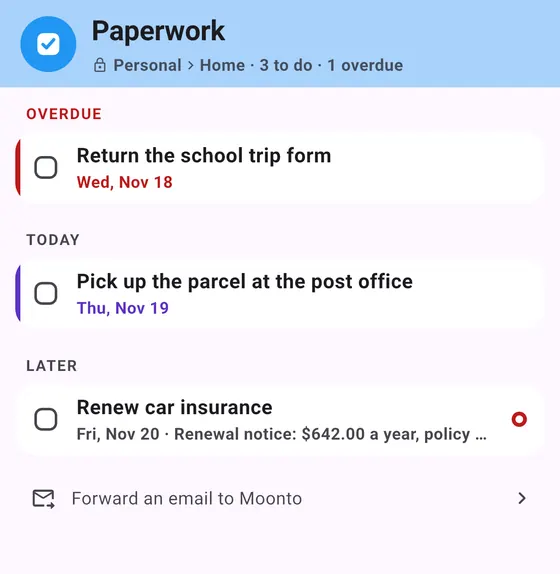
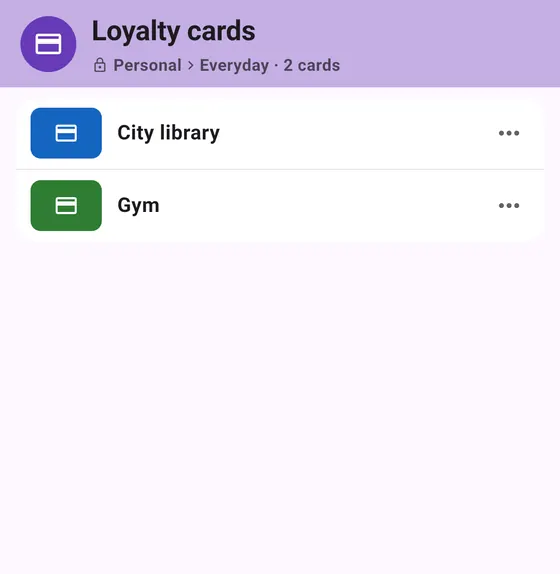
Each thing goes to the list it belongs to, with the right fields: a date, an amount, a person. Find it again later, and share a list with the people it concerns.
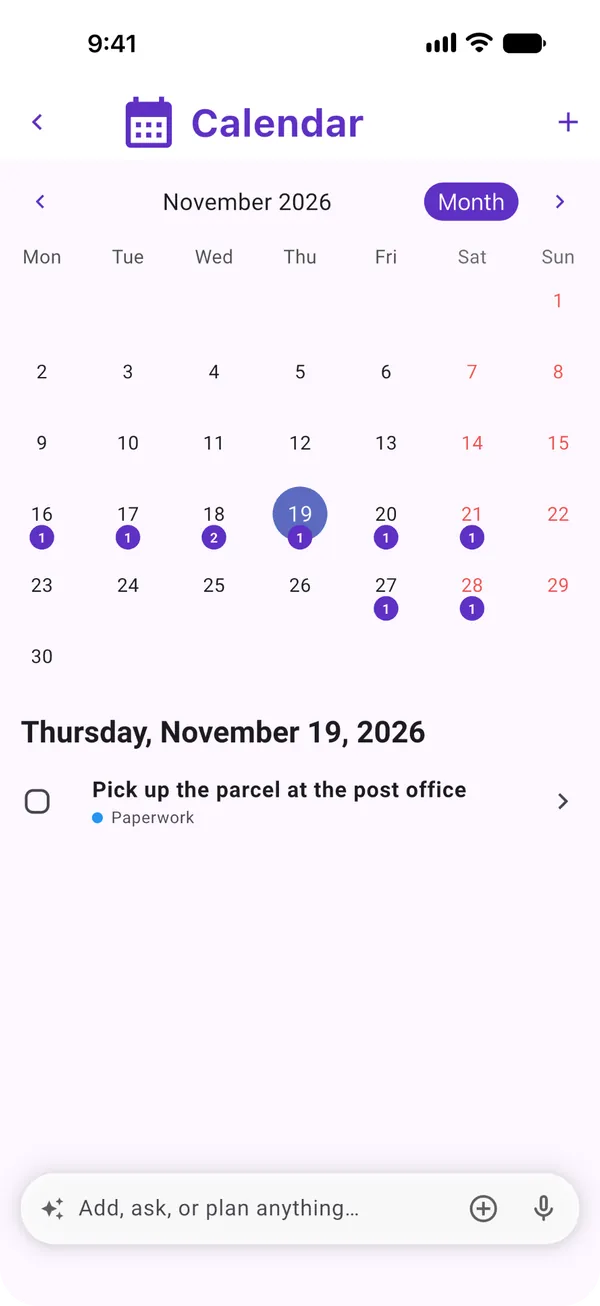
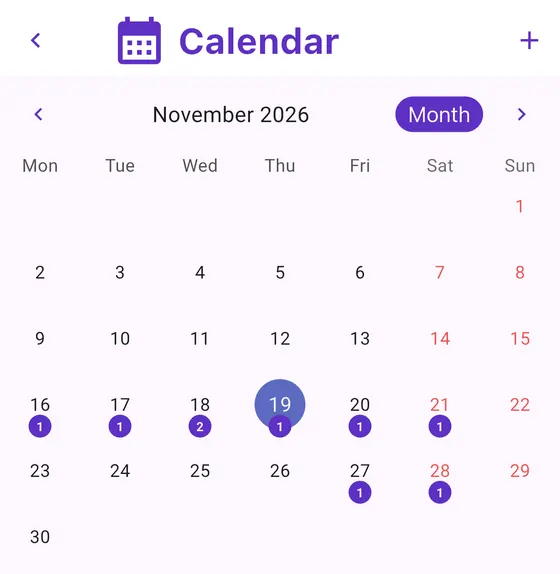
A reminder at the right moment. Up next and the calendar show what's coming, overdue first, and you can ask Moonto what's left.
On your phone and on the web, the same lists everywhere, and they connect to the tools you use. No ads, and your lists are never used to train AI.
With your AI assistant
Connect Moonto to your assistant. When you ask, it reads what you have to handle and adds to it, so you don't retype or copy-paste between the two.
Claude
PaperworkRead
Lisbon trip2 added
Your assistant answers from your lists, and what you plan with it lands in them. Nothing to copy across.
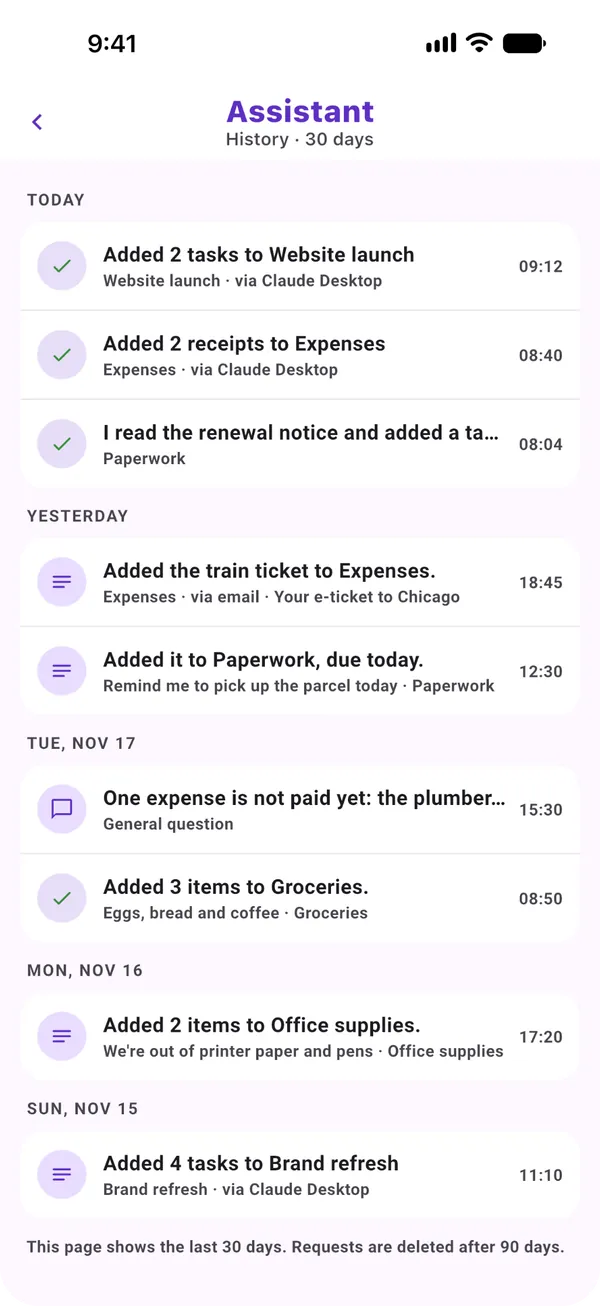
Read only, or read and change, for each connection. Every change shows in your history with Undo, and you can switch a connection off at any time.
In Claude or ChatGPT, as in any assistant that supports connectors: add one address, sign in to Moonto, done. Nothing to install in Moonto.
Reading is free on every plan. Changes: 200 to try, then changing your lists from an assistant comes with Premium.
Your data
You pay for the app, not with your data.
What you store is never used to train AI models.
Your lists live in a European data centre.
Export everything, or delete everything, at any time.
Your lists are free. Moonto's AI comes with Premium, after a free trial.
€0
€7.99 / month
or €74.99 a year — about €6.25 a month
On iPhone, Android and the web, in 8 languages. Free to start.